















Back online.
You are currently offline.
Your browser is outdated. To ensure the best experience, update to the latest version of your preferred browser. Update
Help Center
> Accounts
>
Favoriting therapy tools
Favoriting therapy tools
AccountsFavoriting a tool allows you to easily find it again for future therapy sessions.
Adding a Favorite
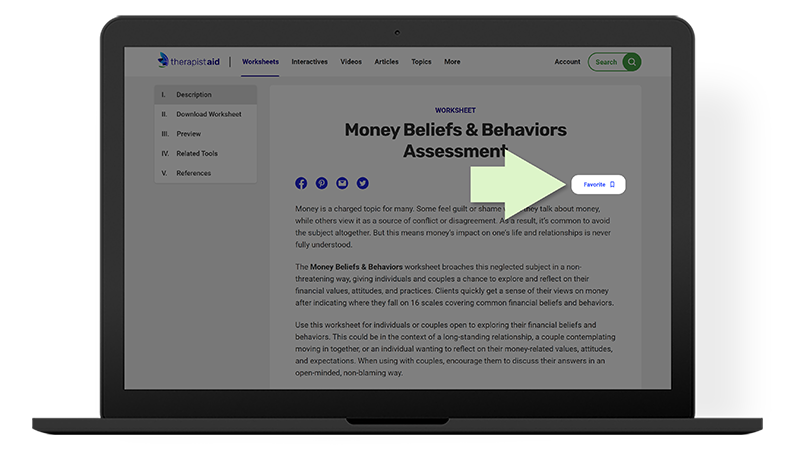
When you find a tool you like, press the "Favorite” button located near the title. The bookmark icon will be filled solid blue to indicate that you have added this tool to your favorites list.
Viewing your Favorites
- When logged in, press “Account” and then “My Favorites” in the top right corner of Therapist Aid.
- Scroll down to the “Your Favorites” heading.
- Filter your list of favorites to narrow the list: Just press the tool type along the top of the table.
Still need help? See related help articles below or
contact us
.
Contact Us
/ 2000
Was this article helpful?
Thank you for sharing your feedback. If you still need help, please contact us